



Tabla de contenidos
Colombia’s public health system runs on paperwork — and paperwork moves slowly. At the center sits ADRES, managing health system contributions nationwide. Within ADRES lives the BDUA, the master registry that determines whether you’re enrolled, active, or invisible to the system entirely.
Your EPS collects your monthly contributions and reports them to the BDUA, but updates are rarely immediate. That gap is where service interruptions happen. For foreigners, this matters especially if you’ve recently enrolled in an EPS and want to confirm your affiliation is active in the BDUA using your foreign ID card (cédula de extranjería), or if you’re applying for a Colombian visa and need to verify your EPS status. Checking directly through ADRES is the only reliable way to confirm. In this blog, we outline the exact steps required to officially verify your healthcare affiliation online.
What is ADRES?
ADRES (Spanish acronym for Administradora de los Recursos del Sistema General de Seguridad Social en Salud) is the national agency responsible for managing the funds that keep Colombia’s public health system running. Every contribution paid into the system — whether by an employer, an employee, or an independent worker — is ultimately administered by ADRES.

What is the BDUA?
The BDUA (Spanish acronym for Base de Datos Única de Afiliados) is the master database managed by ADRES. In practical terms, it is the official list of everyone enrolled in Colombia’s health system. When a doctor’s office, clinic, or hospital checks whether you are eligible for care, they are checking this list. Being enrolled with an EPS and paying contributions does not automatically guarantee your record is current here.

What is an EPS?
An EPS (Spanish acronym for Entidad Promotora de Salud) is the health provider you signed up with — the company that collects your monthly contributions and organizes your access to medical services. Crucially, the EPS is also responsible for reporting your enrollment and payment data to the BDUA. ADRES does not receive this information directly from you.

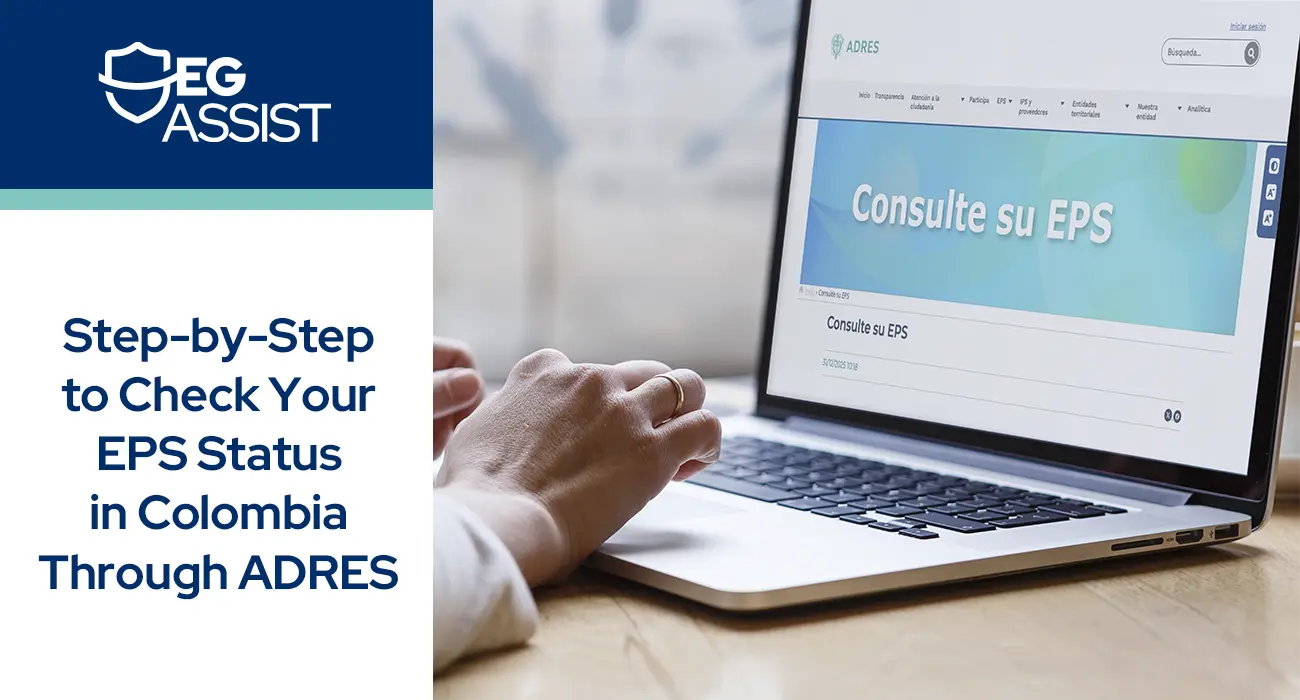
How to Check My EPS Status via ADRES?
Navigating the Colombian healthcare system as an expat is easier than you might think. The official ADRES website offers a free, 24/7 consultation tool that lets you verify your health affiliation without visiting any government office. The following steps will show you whether your EPS has properly reported your enrollment and contributions.
This information is particularly important for Colombian visa applications. If you are applying for a visa that requires a private health policy — such as the Retirement Visa, Digital Nomad Visa, Real Estate Investment Visa, or Student Visa — it is essential to ensure that you are unenrolled from the EPS. Being active in the EPS can negatively impact your visa application, potentially leading to a rejection. Therefore, it is advisable to withdraw from the EPS and obtain a private health policy that includes all the coverage required by the Colombian Government.
Explore EG Assist health policy plans, designed for visas in Colombia, and obtain peace of mind with your application
Continuing with the ADRES verification process, by entering your ID type and document number, you can instantly confirm your healthcare status, see which EPS you’re affiliated with, and check your contribution regime — either Contributivo (the contributory plan, for individuals who pay monthly contributions through employment or independently) or Subsidiado (the subsidized plan, for individuals who receive government-funded coverage based on socioeconomic status). The process takes less than five minutes and pulls official data directly from the BDUA database. Whether you’re newly enrolled or a long-term resident, this quick verification ensures you’re covered before you need care.
Step 1: Open the official ADRES website
Navigate to the official ADRES BDUA webpage and scroll down until you see “Tipo de document” (type of document) and número (number).

Step 2: Choose Your Document Type
Find the dropdown menu labeled “Tipo de Documento” (Document Type) and select “Cédula de extranjería” (Foreign ID Card) or ”Passport”.

Step 3: Enter Your ID Number
Click on the text box labeled “Número de Documento” (Document Number) and type your ID number without any spaces, dashes, or periods.

Step 4: Verify and Consult
Click “Consultar” (Consult) and view the information provided by the system, as shown in the image.

Step 5: Verify your results
A new window will open displaying your official health affiliation report (ensure pop-up blockers are disabled). Locate the “Estado” (Status) column to verify if your current coverage is “Activo” (Active). You can click “Imprimir” (Print) to save a PDF copy of the document for your personal records.

How to understand my ADRES results?
When reviewing your ADRES EPS report, first check the Estado (Status) column. An Activo status confirms your coverage is fully operational, whereas a Retirado (Withdrawn) or Inactivo (Inactive) status usually points to routine administrative lags or delayed payments. If your account appears inactive, do not panic; simply contact your EPS provider directly to resolve the discrepancy and update the database.
Your report also outlines several other essential details regarding your coverage. The Entidad (Entity) identifies your specific healthcare provider, and the Régimen (Regime) displays your plan category, which is typically Contributivo for paying expats. Additionally, the Fecha de Afiliación Efectiva (Effective Affiliation Date) marks exactly when your coverage officially began, while the Tipo de Afiliado (Affiliate Type) classifies you as either the Cotizante (primary paying member) or a Beneficiario (dependent family member).
If you want to know more about Social Security in Colombia, read the blog: How to Contribute to Social Security in Colombia if you are a Foreigner? of our reliable partner expatgroup.co.
How Does an Active Status on ADRES Affect Colombian Visa Applications?
If you are already enrolled in an EPS and are beginning a visa application process, it is important to note that the EPS Certificate is only accepted as proof of health coverage for the Resident Visa. All Visitor Visas and most Migrant Visas require a private health policy instead. While you may maintain your EPS affiliation unless the Colombian Government requires disaffiliation, it should not be submitted as proof of health coverage for these visa types. Additionally, if you are applying for a Retirement Visa, there is a specific EPS disaffiliation requirement that must be met before proceeding with your application.
If you are applying for a Colombian Retirement visa after being previously affiliated with an EPS, your ADRES status must reflect retirado (withdrawn). Failing to meet this requirement may result in being asked to provide a certificate of disaffiliation from your EPS, delaying your Colombian visa application.

How Do I Troubleshoot Common ADRES Issues
While verifying your ADRES EPS status, you may occasionally encounter technical or administrative delays. The portal can experience high traffic, causing slow load times or temporary outages. If the site is unavailable during standard business hours, try accessing it during off-peak times, such as late at night.
If you experience issues, refer to this Quick Fix list:
- Browser Requirements: Use Google Chrome for optimal performance. Ensure you disable pop-up blockers for the ADRES website, as your consultation results will open in a new window that browsers often block by default.
- Data Errors: If your name is misspelled or your ID is missing from the system, you must contact your healthcare provider directly. The database only reflects the exact information provided by your specific EPS.
To Sum Up: Final Takeaways regarding ADRES and the Colombian Health System
Verifying your ADRES EPS affiliation is a vital part of managing your healthcare in Colombia. While the online portal provides a straightforward way to check your active status, understanding how the underlying system operates ensures a much smoother experience. Keep the following points in mind as you navigate your coverage:
- ADRES vs. BDUA: ADRES manages the financial resources of the Colombian healthcare system, while BDUA serves as the central database. The portal simply displays the information reported by your healthcare provider, rather than processing the updates directly.
- ‘Retirado’ or ‘Inactivo’ Status: Seeing these terms does not automatically indicate a definitive loss of coverage. These statuses frequently result from standard administrative processing times, employer payment delays, or routine system updates.
- Precise ID Requirements: Entering the exact identification number tied to your original EPS registration is mandatory. The database requires accurate formatting to successfully locate and generate your status report.
While public coverage is necessary, complementing your EPS with a private health policy provides a comprehensive safety net. A private plan guarantees immediate access to specialized care during medical emergencies and, crucially, covers the substantial costs of medical repatriation to your home country if a severe situation arises. With EG Assist health policies, you will obtain reliable health protection regardless of public administrative processing times.
While public coverage is necessary, complementing your EPS with a private health policy provides a comprehensive safety net. A private plan guarantees immediate access to specialized care during medical emergencies and, crucially, covers the substantial costs of medical repatriation to your home country if a severe situation arises. With EG Assist health policies, you will obtain reliable health protection regardless of public administrative processing times.

Comments
Share your experience or question.
Your comment can inspire and help others who dream of living in Colombia.